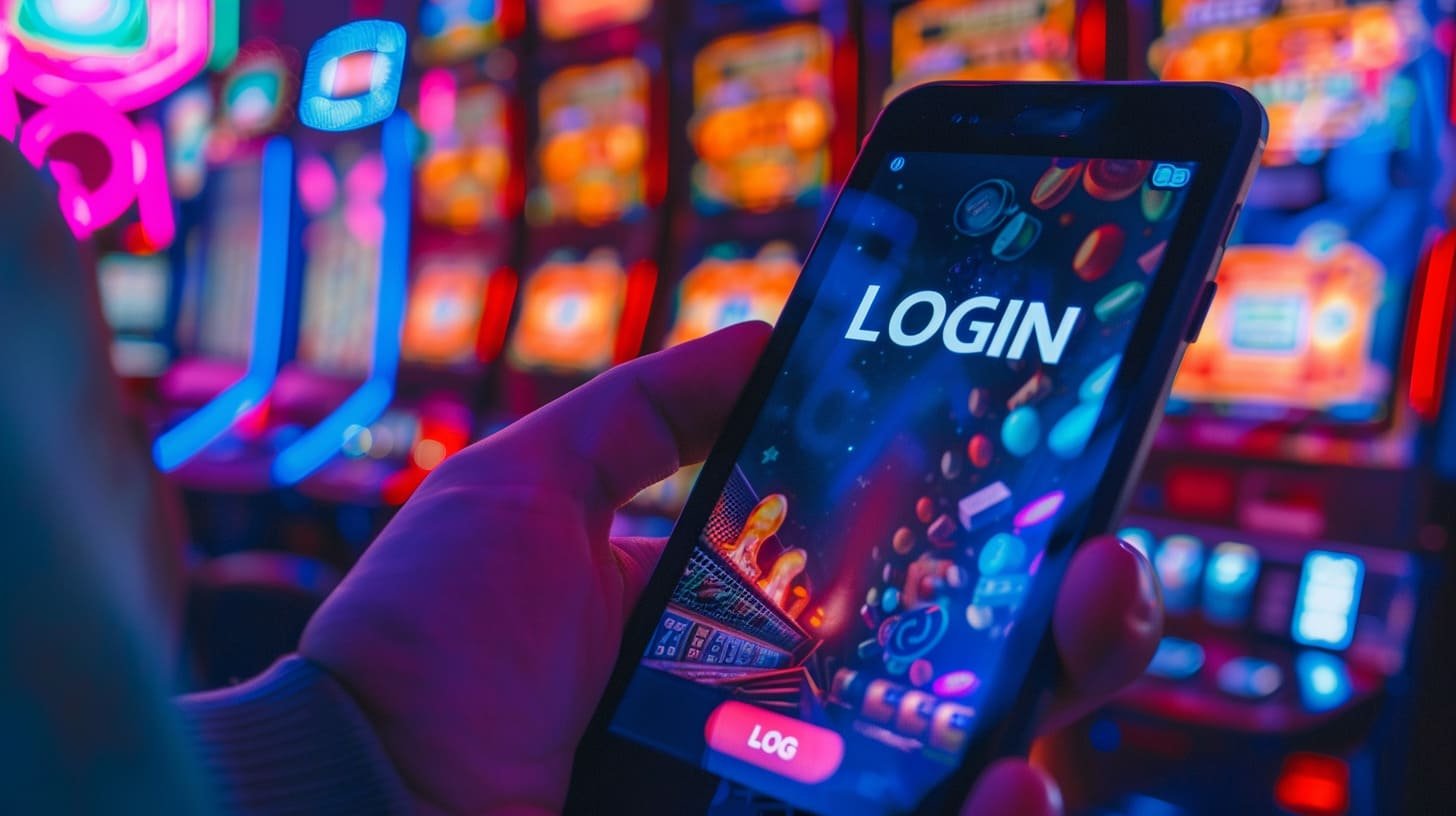
The full desktop experience is now on your smartphone. Fast loading, easy navigation, and secure transactions — all in the Jitas app.
The Jitas app is available on both Android and iOS
Install on any Android phone, including Samsung, Xiaomi, Realme, and Oppo. Download the APK directly — no Play Store required.
Specially optimized for iPhone and iPad users. Simply follow the App Store link to install with ease.
You can play directly in the browser too — just visit jitas.org without the app. But the app delivers better speed and a smoother overall experience.
See why the app experience is different from the browser
As a native app, pages and games load in an instant. Enjoy a smooth experience even on slow networks.
Get instant notifications for new promotions, live match kick-offs, and important updates to your account.
Log in instantly with your fingerprint or Face ID — no need to remember passwords.
SSL encryption, 2FA, and KYC verification keep your data and funds fully secure.
Watch matches live directly in the app and place live bets at the same time — no separate streaming app needed.
Deposit and withdraw directly from the app via mobile banking, e-wallets, and bank transfers.
Switch on dark mode for a more comfortable viewing experience when playing at night — just one tap to change.
Chat with customer support via live chat without ever leaving the app. Help is available in Bengali.
Live betting odds update every second, and the app delivers these updates the fastest.
Smartphones are now an inseparable part of our daily lives — from the moment we wake up to the moment we go to sleep, our phones are always with us. Jitas recognizes this reality and has built its mobile app to give users the full gaming and betting experience anytime, anywhere.
The Jitas app is not simply a mobile version of the website — it is a fully native application. Built separately for Android and iOS, it is optimized to get the most out of each platform, resulting in faster load times, better game performance, and significantly lower battery usage.
The Jitas app interface is fully available in Bengali. Menus, buttons, and instructions are all in Bengali, so users who are not comfortable with English can navigate every section of the app without any difficulty. The most popular sports in Bangladesh — cricket, football, and kabaddi — are also featured prominently in the main sections of the app.
Many users wonder whether installing a third-party APK is safe. With Jitas, the answer is yes. The app is regularly updated and every release goes through security testing. On Android, simply enable "Unknown sources" in Settings and the installation takes just 2–3 minutes. For iOS users, the App Store link is provided directly.
The Jitas app offers the same full game library as the desktop. Sports Betting, Live Casino, bingo, slots, Virtual Sports, and Esports — every category is active in the app. Games built on HTML5 run without any additional plugins and are just as enjoyable on a smaller screen.
Your personal information and financial data are fully encrypted while using the Jitas app. The app does not collect any unnecessary data and does not access your location, contacts, or camera — only the permissions essential to its function are requested.
An internet connection is required to play games live. That said, the Jitas app performs reliably even on slow networks — most games and betting markets stay active on a 3G connection. The app also displays cached data on launch, keeping navigation smooth even with a very weak connection.
The Jitas app receives regular updates. New games, new promotions, and platform improvements are all rolled out automatically through the app. Keep notifications enabled so you never miss a new feature.

Open the Jitas download page and click the Android APK button. The file will be saved to your phone.
Go to Settings → Security → Unknown Sources and enable the option. Without this, the APK will not install.
Open the downloaded APK file from your file manager and tap the Install button.
Once installation is complete, open the app. New users can register, while returning users can log in directly.
Open the Jitas download page from your iPhone or iPad and tap the iOS link.
The link will take you directly to the App Store, where you can find the Jitas app.
Tap the "Get" button and confirm with your Apple ID. The app will download and install automatically.
After installation, you will see the Jitas icon on your home screen. Tap it and start playing.
A side-by-side comparison of what you get where
| Features | Jitas App | Mobile Browser |
|---|---|---|
| Loading Speed | Much faster | Comparatively slower |
| Push Notifications | Yes | Limited |
| Biometric Login | Yes | None |
| Battery Usage | Low | Higher |
| Offline cache | Yes | None |
| Live Streaming | Smooth | Occasional buffering |
| Installation required | Yes | No |
Frequently asked questions about the Jitas app
Install the Jitas app on any Android or iOS device and enjoy the best gaming experience right in your hands.